



In 2026, having a website for your business is simply non-negotiable. If you’re looking for the best way to create a website for a small business for free, you’re in the right place. I’ve pulled out the top options that get you a free website in minutes without being complex to use. Here’s a quick comparison table before the main gist:
| Platform | Best For | Free Plan | Built-in CRM | Inventory Management | Marketing Tools | Ease of Use |
| Elapix | All-in-one small business | Yes | Yes | Yes | Yes | 5/5 |
| WordPress | Blogging & flexibility | Yes (self-hosted) | No (plugin needed) | No (plugin needed) | No (plugin needed) | 3/5 |
| Wix | Design & visual freedom | Yes | Partial | Limited | Partial | 4/5 |
| Canva | Visual/design-first sites | Yes | No | No | No | 4/5 |
| Webnode | Multilingual sites | Yes | No | No | Limited | 4/5 |
Best Way To Create A Website For A Small Business

Now, let’s get into each one.
1. Best Way To Create A Website For A Small Business: Elapix
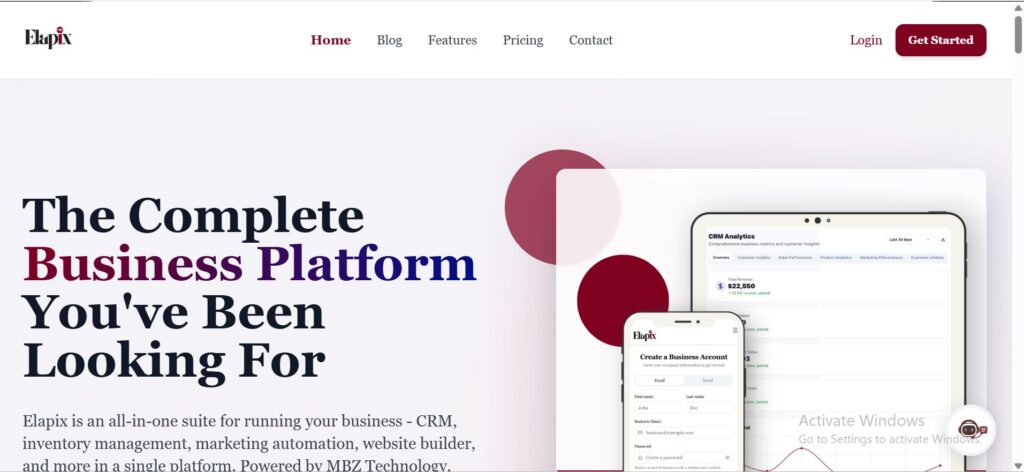
Elapix is a breath of fresh air in a world where most website builders do just that — build websites. Built by MBZ Technology, Elapix is an all-in-one business platform that goes far beyond giving you a website. It bundles together website creation, CRM, inventory management, and marketing automation under one roof, so you’re not just getting a digital presence but a fully operational business command centre from day one.
What Makes Elapix Stand Out?
Most website builders hand you a pretty site and leave you to figure out the rest. You build your site on Platform A, manage customers on Platform B, track stock on Platform C, and run email campaigns on Platform D. Before you know it, you’re spending more time managing tools than running your business.
Elapix solves that problem completely. When you sign up, you’re not just creating a website; you’re setting up your entire business infrastructure in one place.
Here’s some of what you get with Elapix:
Website Builder: Create a professional, mobile-responsive website in minutes. No coding required, no developer needed. All you need is to fill in your company details and select templates during the onboarding, and you can be live on the internet with a store faster than it takes to eat lunch.
Built-in CRM: Managing your customers shouldn’t require a separate subscription. Elapix includes customer relationship management tools right inside the platform, so you can track leads, manage client interactions, and nurture relationships without switching apps.
Inventory Management: If you sell products, Elapix lets you track your stock levels, manage product listings, and keep everything organised from the same dashboard where your website lives. That kind of integration is rare at this price point.
Marketing Automation: Email campaigns, lead capture, and marketing workflows are all baked in. You don’t need to plug in a third-party email tool or pay for a separate marketing platform. Everything speaks to each other natively.
Who Is Elapix For?
Elapix is built specifically for small business owners who want a serious digital setup without the serious price tag or the technical headaches. Whether you run a boutique or a retail store, Elapix gives you everything you need to look professional online and run your business efficiently behind the scenes.
It’s particularly powerful for business owners who are tired of paying for five different tools that don’t talk to each other. With Elapix, you pay once (or start free) and get the whole package.
Is Elapix Free?
Yes, Elapix offers a free plan, making it accessible for new and growing businesses that want to get online without an upfront financial commitment. On the free plan, your site goes live on a yourbusiness.elapix.store subdomain like this one. When you’re ready to upgrade to a custom domain, you can. But you can build a real, functioning business operation before spending a single penny.
The Bottom Line on Elapix
If you’re a small business owner asking “what’s the best way to create a website for my small business?”, Elapix deserves serious consideration, not just because it builds great websites, but because it does so much more. It’s the only option on this list where your website comes as part of a full business operating system. That’s not a small thing.
2. WordPress
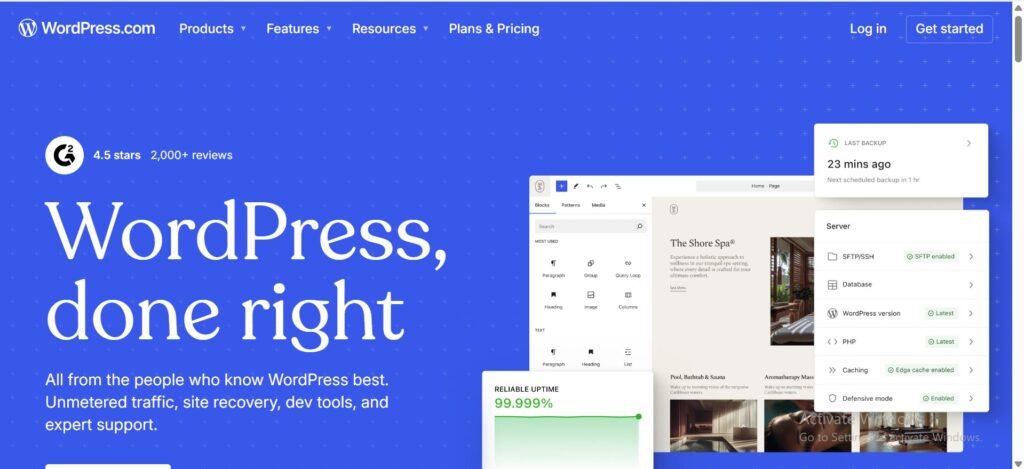
WordPress is the world’s most widely used website platform, powering a staggering portion of the internet. If you’ve spent any time researching how to build a website, you’ve almost certainly come across it. Its reputation is well-earned, but it comes with some important caveats for small business owners.
What WordPress Offers
WordPress comes in two flavours, and the distinction matters. WordPress.org is open-source software you download and self-host, meaning the software itself is free, but you pay for hosting separately and there’s no free subdomain option at all. Bloomwiz is an example of a WordPress website in this sense. WordPress.com is the hosted version, which does offer a free plan with a yoursite.wordpress.com subdomain like this one.
On either version, you can build virtually anything (a blog, a portfolio, a store, a membership site) because thousands of plugins exist to extend its functionality. The design flexibility is enormous, with thousands of themes available, both free and premium.
For businesses that need a content-heavy site, a blog that drives organic traffic, or a fully customised web experience, WordPress genuinely delivers.
The Catch: WordPress Is Not Simple
Here’s where WordPress shows its limitations for the average small business owner. Getting a WordPress site live isn’t as simple as signing up and clicking publish. You need to:
- Purchase and set up web hosting separately
- Install WordPress manually (or find a host that does it for you)
- Choose and configure a theme
- Install plugins for the features you need — contact forms, SEO tools, ecommerce, security
- Keep everything updated and maintained on an ongoing basis
For a non-technical business owner, this learning curve is real. And if something breaks, and things do break, you’re often on your own or paying a developer to sort it out.
WordPress Quick Facts
- Free? WordPress.com — yes, on a yoursite.wordpress.com subdomain. WordPress.org — no, hosting costs extra from day one
- Ease of use: Moderate to steep learning curve
- CRM built-in? No — requires plugins
- Inventory management? No — requires WooCommerce or similar plugins
- Best for: Businesses who want long-term blogging, SEO flexibility, and full customisation
3. Wix

Wix is one of the most recognisable names in the website builder world, and for good reason. It’s polished, feature-rich, and genuinely enjoyable to use. If you’ve ever seen someone build a professional-looking site in an afternoon without touching a line of code, there’s a good chance they were using Wix.
What Wix Does Well
Wix’s drag-and-drop editor is one of the best in the business. You can move elements freely across the page, customise fonts, colours, layouts, and sections with impressive precision, all without any design background. It also comes with a solid AI website builder that can generate a complete site based on a few prompts, which is a real time-saver.
Wix offers a free plan, access to 800+ templates, a basic CRM, email marketing tools, appointment booking, and an online store. For many small businesses, this is genuinely enough to get started.
Where Wix Falls Short for Small Businesses
The free plan, while functional, comes with a Wix-branded subdomain (yoursite.wixsite.com like this one) and Wix ads on your pages, which is not the most professional look when you’re trying to build a credible brand. To remove these, you’ll need a paid plan, and Wix’s pricing has crept up considerably in recent years.
The deeper issue is that Wix’s business tools, while useful, are somewhat siloed. The CRM is there, but it doesn’t talk as fluidly to inventory and marketing in the way a purpose-built business platform does. You often end up patching together functionality with third-party apps from Wix’s marketplace, which adds both cost and complexity.
Wix Quick Facts
- Free? Yes — with Wix branding and subdomain
- Ease of use: Very easy
- CRM built-in? Partial
- Inventory management? Limited on lower plans
- Best for: Businesses that prioritise design creativity and are comfortable with a growing monthly bill
4. Canva
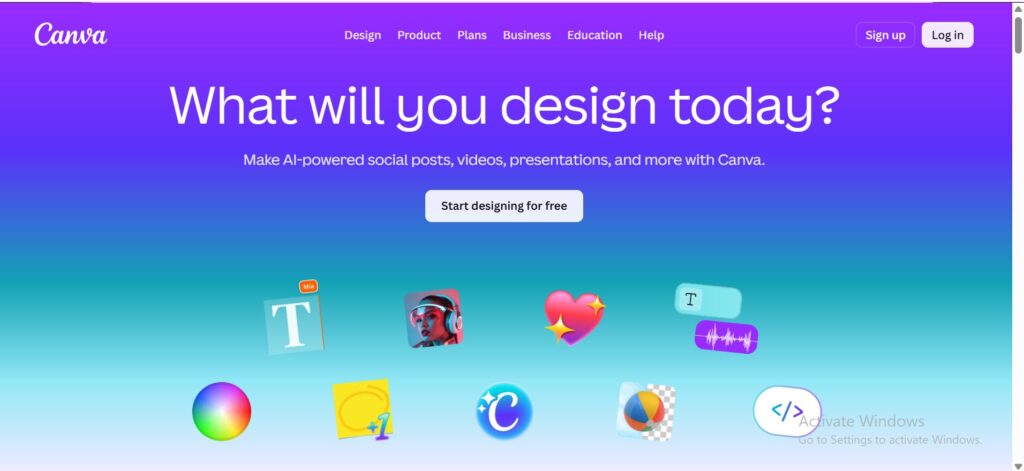
You probably know Canva as the design tool that makes beautiful graphics, presentations, and social media posts. What you might not know is that Canva also has a website builder — and for certain use cases, it’s surprisingly decent.
What Canva Brings to the Table
Canva’s biggest strength is that it’s beautifully easy to use. If you’ve already been using Canva to create flyers, business cards, or Instagram posts, the website builder will feel immediately familiar. You pick a template, drag in your content, and publish. The designs are visually stunning. Canva’s 837+ website templates are among the most attractive available, and the brand kit feature lets you keep your fonts, colours, and logos consistent across your entire presence.
For a simple, visually-led online presence, think a portfolio, a landing page, or a basic business profile, Canva can have you live in under an hour.
The Honest Limitations
Canva websites are beautiful, but they are not built for business growth. The platform lacks built-in SEO tools (you can’t even properly add HTML heading tags), no native contact forms, no blogging functionality, no ecommerce capabilities, and no CRM or marketing tools whatsoever. It’s essentially a digital brochure.
Canva Quick Facts
- Free? Yes — with Canva-branded subdomain
- Ease of use: Extremely easy, especially for existing Canva users
- CRM built-in? No
- Inventory management? No
- Best for: Portfolios, landing pages, and visual-first one-page sites
5. Webnode

Webnode is a quietly capable website builder that doesn’t get as much attention as Wix or WordPress, but has carved out a solid reputation, particularly for businesses that need multilingual websites.
What Webnode Gets Right
Webnode’s AI website builder is genuinely fast. You describe your business, your location, and what you do, and the platform generates a ready-to-use website (like this one) with text, images, and structure in minutes. For first-time website builders, this removes the blank-canvas anxiety that stops many people from ever starting.
The editor is clean and beginner-friendly. The drag-and-drop blocks make it easy to swap images, update text, and rearrange sections without feeling overwhelmed. And crucially, Webnode offers multilingual website support. That means you can easily create versions of your site in multiple languages, which is a rare and valuable feature for businesses serving diverse communities.
Customer support is available seven days a week, which is reassuring for small business owners who aren’t tech-savvy.
Where Webnode Has Limitations
Webnode is solid for getting a simple, professional website online quickly. But like most traditional website builders on this list, it’s fundamentally a website tool, not a business tool. There’s no built-in CRM, no inventory management, and marketing features are quite limited, particularly on the free and lower-tier plans.
Ecommerce is available but requires upgrading to a paid plan, and the overall feature depth doesn’t match what a growing business actually needs beyond just a web presence.
Webnode Quick Facts
- Free? Yes — with limited features and Webnode subdomain
- Ease of use: Very easy
- CRM built-in? No
- Inventory management? No
- Best for: Simple multilingual sites and businesses wanting a quick, clean online presence
So, What’s the Best Way To Create a Website for a Small Business?
All five options on this list can get you a website. The real question is: what do you need beyond a website?
If you’re just starting out and want a beautiful, simple page online with zero learning curve, Canva or Webnode will serve you well in the short term. If you want deep design control and don’t mind a growing monthly bill, Wix is a strong choice. If you’re technically minded and want maximum long-term flexibility, WordPress has the power.
But if you’re a small business owner who wants to hit the ground running with a professional website and the business tools to back it up — a CRM, inventory management, marketing automation, all speaking to each other natively — then Elapix is in a category of its own. It’s the only option here that treats your website as part of your business, not just a front door to it.
For small businesses that want to do more with less, Elapix by MBZ Technology is worth starting with.
Ready to get your business online?